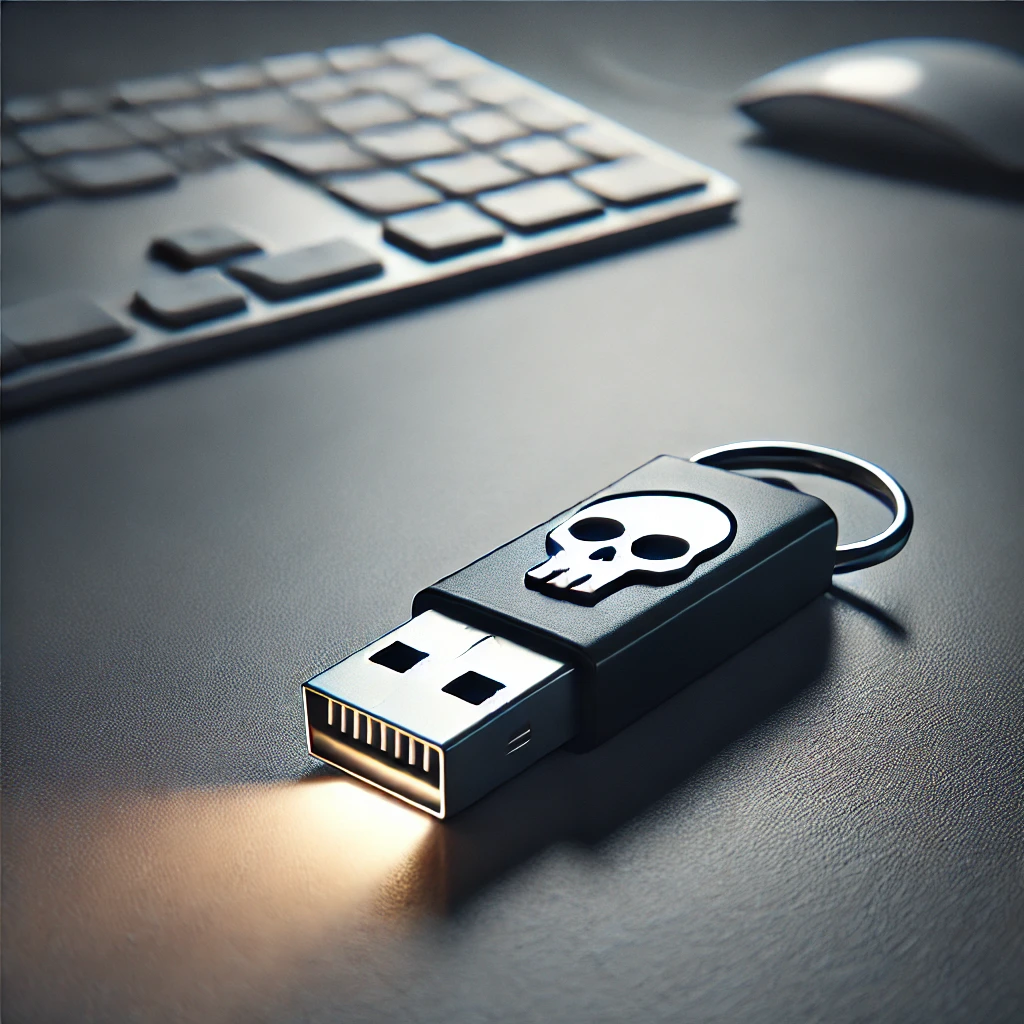
USB ports are convenient interfaces, but they are also extremely dangerous entry points for targeted attacks. Whilst IT security often focuses on network and software threats, physical interfaces such as USB ports frequently remain unprotected. This article examines the most common types of USB attacks, the techniques behind them, and practical security controls that businesses and individuals can take.
USB ports as a source of danger: what’s behind it?
USB ports provide physical access to the system. They bypass many security mechanisms because they are automatically trusted by the operating system, making them particularly dangerous on publicly accessible devices such as kiosk systems, in conference rooms, hotels or universities. Via USB, attackers can inject malicious code directly into the system, disguise themselves as input devices or deliberately destroy hardware components.
Attack scenarios in detail
Rubber Ducky: the stealth keyboard hack
A Rubber Ducky looks like a USB stick, but is recognised by the system as a keyboard and automatically executes commands within seconds, such as opening PowerShell to set up remote access, exfiltrating files, reloading Malware, or creating user accounts and changing passwords. Particularly critical: it also works on locked devices when accessibility features are exploited.
BadUSB: the infected USB firmware
BadUSB utilises manipulated firmware in USB devices. The Malware is invisible to antivirus scanners because it is not stored on the memory but within the controller chip. For example, a device can perform a login as a network card and thus redirect data traffic, emulate a keyboard to automate attacks, or install persistent backdoors and keyloggers without any user interaction. BadUSB is particularly dangerous because it cannot be removed by formatting.
USB Killer: An electric shock for the computer
A USB Killer is a specially designed device which, when plugged in, charges capacitors and discharges them at high frequency, delivering up to 200 volts in short pulses. The consequences range from damage to the motherboard and the destruction of USB controllers to complete system failure – which is particularly critical in industrial or embedded systems. The aim here is sabotage, not data theft.
Technical security controls
-
Device control software:
Only allow known USB devices based on their serial number or vendor ID.
-
Disable USB ports:
BIOS/UEFI locks for USB ports, for example in kiosk systems.
-
Physical port blockers:
Locking plugs prevent devices from being plugged in.
-
Protective diodes:
Voltage filters or USB diodes to prevent electric shocks from ‘USB killers’.
-
EDR/AV solutions:
Endpoint Detection identifies unusual behaviour from USB devices.
Organisational measures
-
Security awareness training:
Inform users about the risks posed by unknown USB devices.
-
USB policy:
Clearly define which devices may be used and who authorises exceptions.
-
Logging & monitoring:
Logging of all USB activity, for example via SIEM or EDR.
-
Access control:
No open physical access to ports in public areas.
Checklist for secure USB use:
Deactivate or block unused ports; only permit authorised devices via whitelisting; do not use ‘found’ or gifted USB sticks; prevent network interfaces via USB; regularly check log files for unknown devices, and use USB protection adaptors with voltage filters in sensitive areas.
How Mint Secure supports you in this
USB interfaces are powerful tools, for users and attackers alike. We help you build a multi-layered security strategy that combines physical and logical measures.
Physical Pentest
Assessment of physical attack vectors, including USB ports at workstations, kiosk systems and in public areas.
Security Awareness
Training programmes that raise employees’ awareness of the risks posed by unknown USB devices and Social Engineering tactics.
Security Audit
Assessment of your device control policies, USB whitelisting and logging procedures to identify effectiveness and vulnerabilities.
Want to get started?
We offer a free initial consultation. Get in touch now.
Conclusion
USB ports are powerful tools, for users and attackers alike. From Rubber Ducky and BadUSB to the physically destructive USB Killer, the spectrum of threats extends far beyond traditional Malware. The best protection is a multi-layered security approach: technical controls, awareness and organisational policies combined result in genuine USB security.
Mint Secure helps you secure your physical interfaces just as thoroughly as your network. Get in touch with us.