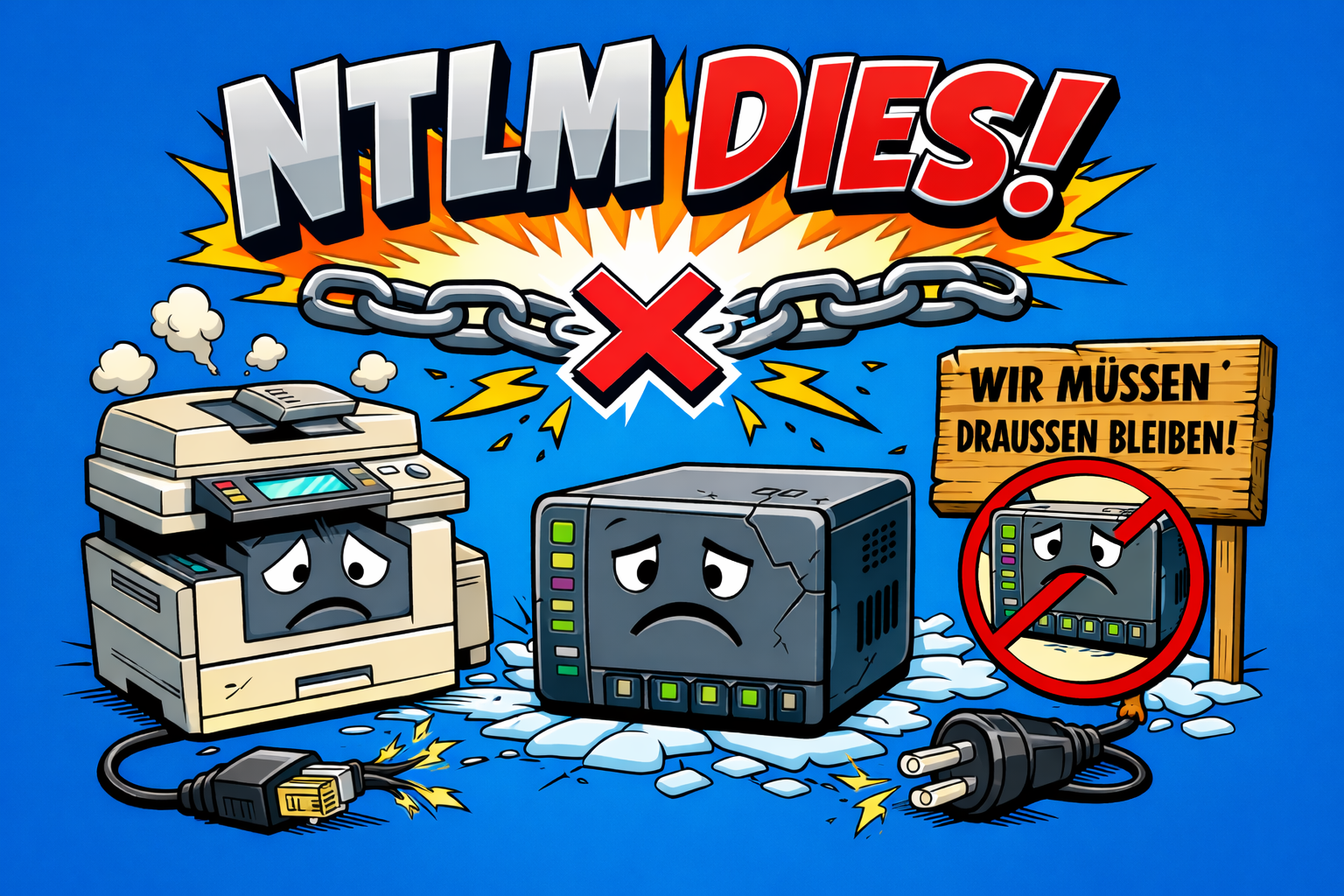
Microsoft’s announcement that it will gradually phase out the NTLM authentication protocol is one of the biggest changes to the Windows security architecture in the last 20 years. For IT administrators, this means specific measures, risks and an urgent need for action.
⚠️ This article explains:
- Why NTLM is being phased out
- The complete timeline
- The impact on Active Directory, printers, NAS and legacy systems
- What administrators need to check now
- How risks can be identified and addressed
- How Security Audits and Pentests can help
- How Mint Secure can help
What is NTLM and why is it being phased out?
NTLM (NT LAN Manager) is an authentication protocol from the early versions of Windows NT. It is used for:
- Network logins
- SMB shares
- Authentication against servers without a Kerberos trust
- Legacy systems and devices
The problem: NTLM is vulnerable to modern attacks:
- Pass-the-hash attacks
- NTLM relay attacks
- Credential theft
- Lateral Movement
A plaintext password is not required; a hash is sufficient. NTLM is therefore a primary attack vector for modern Ransomware attacks. 🛡️
📅 Official timeline
Phase 1: Deprecation and preparation (2022–2024)
Status: active / started
- NTLM marked as deprecated
- NTLMv1 completely removed
- Audit mechanisms introduced
- New security features integrated
Typical affected systems: old NAS systems, legacy printers and scanners, Linux systems running old versions of Samba, old enterprise applications.
Phase 2: Audit and reduction phase (2024–2026)
Status: currently active, most critical phase ⚠️
Microsoft is providing new mechanisms:
- NTLM Audit Mode
- NTLM Blocking Policies
- Kerberos improvements
- Enhanced event logs
Relevant event IDs: 4624, 4776, 8001 up to 8004. These show the source, target system, user and process. 🔍
Phase 3: Default deactivation (from approx. 2026)
- NTLM disabled by default
- Can only be enabled optionally
- Legacy systems begin to fail
Phase 4: Complete removal
- NTLM completely removed
- Only Kerberos and modern authentication remain
Specific implications
Active Directory
- Workgroup systems
- Devices not joined to a domain
- Trust issues
- Incorrectly configured SPNs
Printers and multifunction devices
- Scan-to-Folder fails
- SMB authentication fails
Typically affected: older HP, Canon, Kyocera and Ricoh devices.
NAS systems
- Older Synology systems
- Older QNAP firmware
- Older Windows file servers
Linux systems with Samba
Older versions of Samba use NTLM and need to be updated.
Legacy applications
- ERP systems
- Web applications
- IIS applications
- Backup systems
What administrators need to do now
Enable NTLM auditing
GPO setting: Network Security: Restrict NTLM: Audit NTLM authentication in this domain
Inventory legacy systems
Record printers, NAS systems, servers and applications.
Check Active Directory
Check SPNs, delegation, trusts and service accounts.
Test NTLM blocking in audit mode
Restrict NTLM: Deny All (first in audit mode).
Carry out Security Audits and Pentesting
Detect credential theft, identify attack vectors, prevent domain compromise.
Security risk: attack chain
Mint Secure GmbH
How Mint Secure supports you
As a specialist IT security service provider, we help organisations to securely migrate and harden their infrastructure.
NTLM Audit
We analyse where NTLM is being used, which systems are affected and what risks exist.
AD Security Audit
We check delegations, trust relationships, Kerberos configuration, privileges and misconfigurations.
AD Penetration Testing
We simulate NTLM relay attacks, pass-the-hash and Lateral Movement to identify and eliminate attack vectors.
Legacy System Analysis
We assess printers, NAS systems, applications and embedded devices, and develop migration strategies.
Migration Planning
We provide support with NTLM deactivation, Kerberos migration and infrastructure modernisation.
Not sure how reliant you are on NTLM?
We’ll assess your systems together with you. Get in touch.
Conclusion
The NTLM phase-out is a fundamental security change.
Organisations that act now will avoid downtime, enhance their security and significantly reduce their attack surface.
Now is the right time to act. Mint Secure supports you every step of the way, from the initial assessment through to full migration. Talk to us.